Step-grid notation
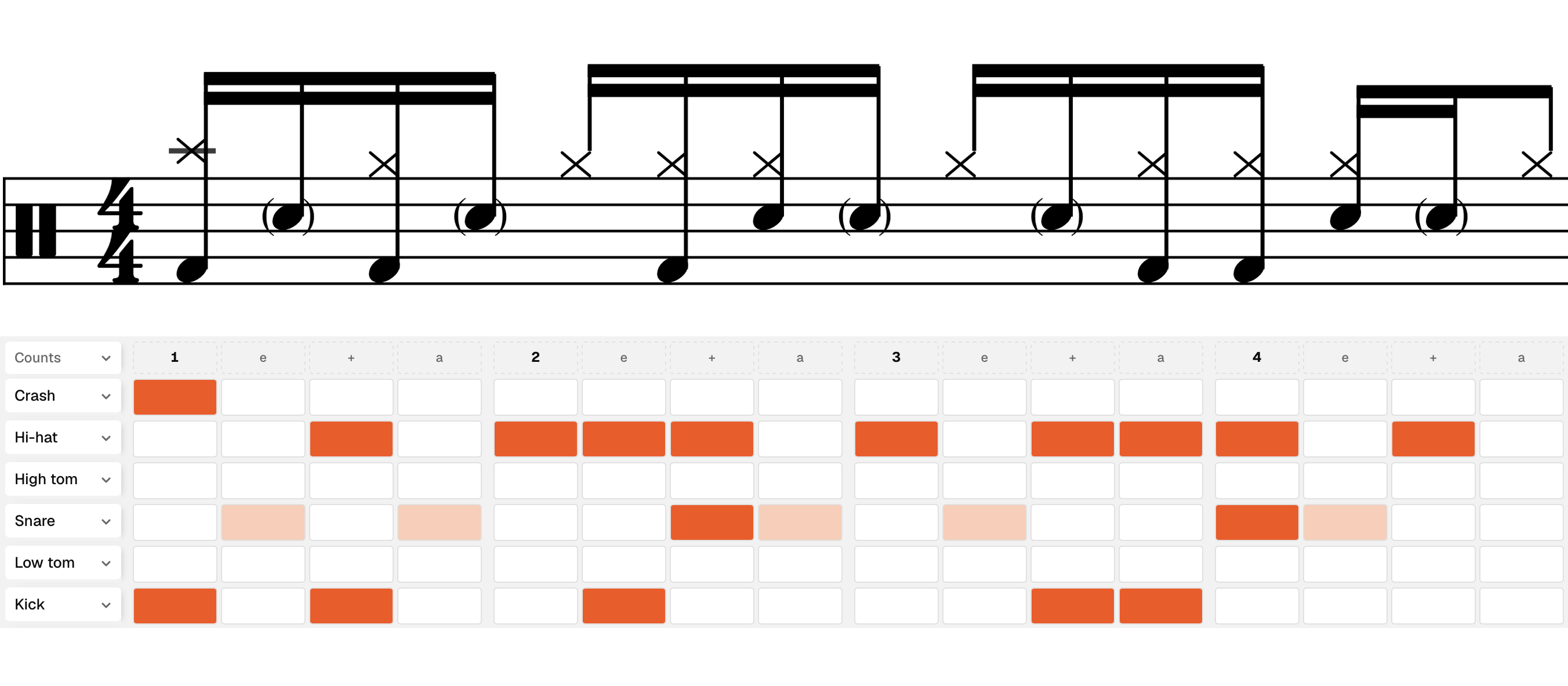
Tap the grid and Beam engraves real drum notation. All the common articulations and note types, including ghost notes, accents and flams.
A drum notation tool built around a step grid.
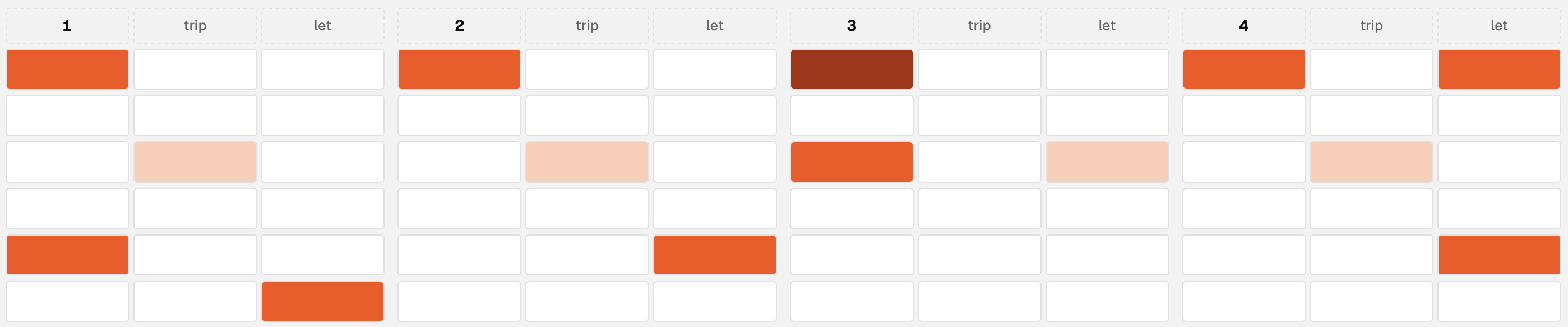

Tap the grid and Beam engraves real drum notation. All the common articulations and note types, including ghost notes, accents and flams.
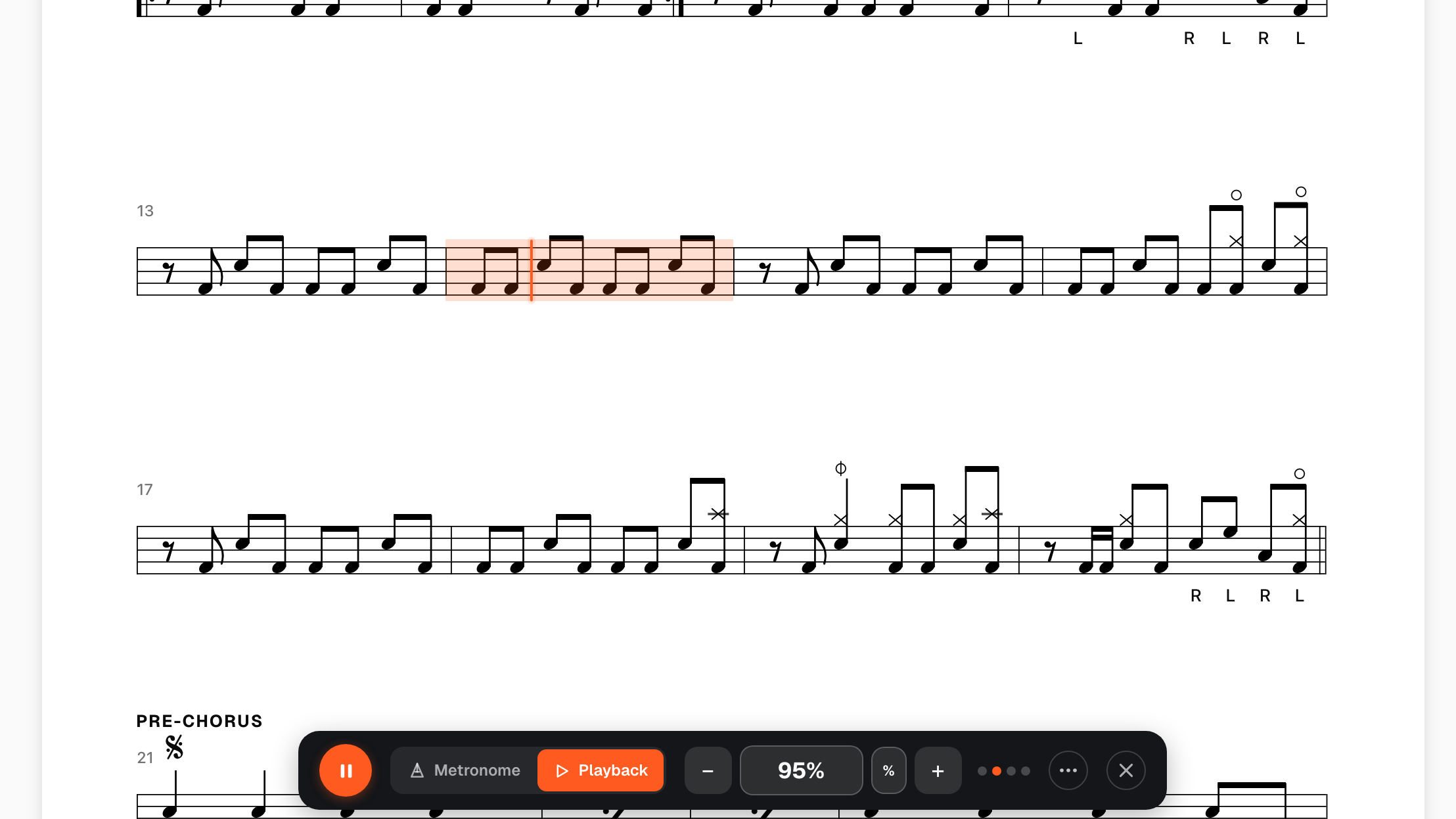
Hear any chart played back with real sampled drums, with a metronome, tempo control, bar-range looping, and a playhead that follows along. Free for everyone.
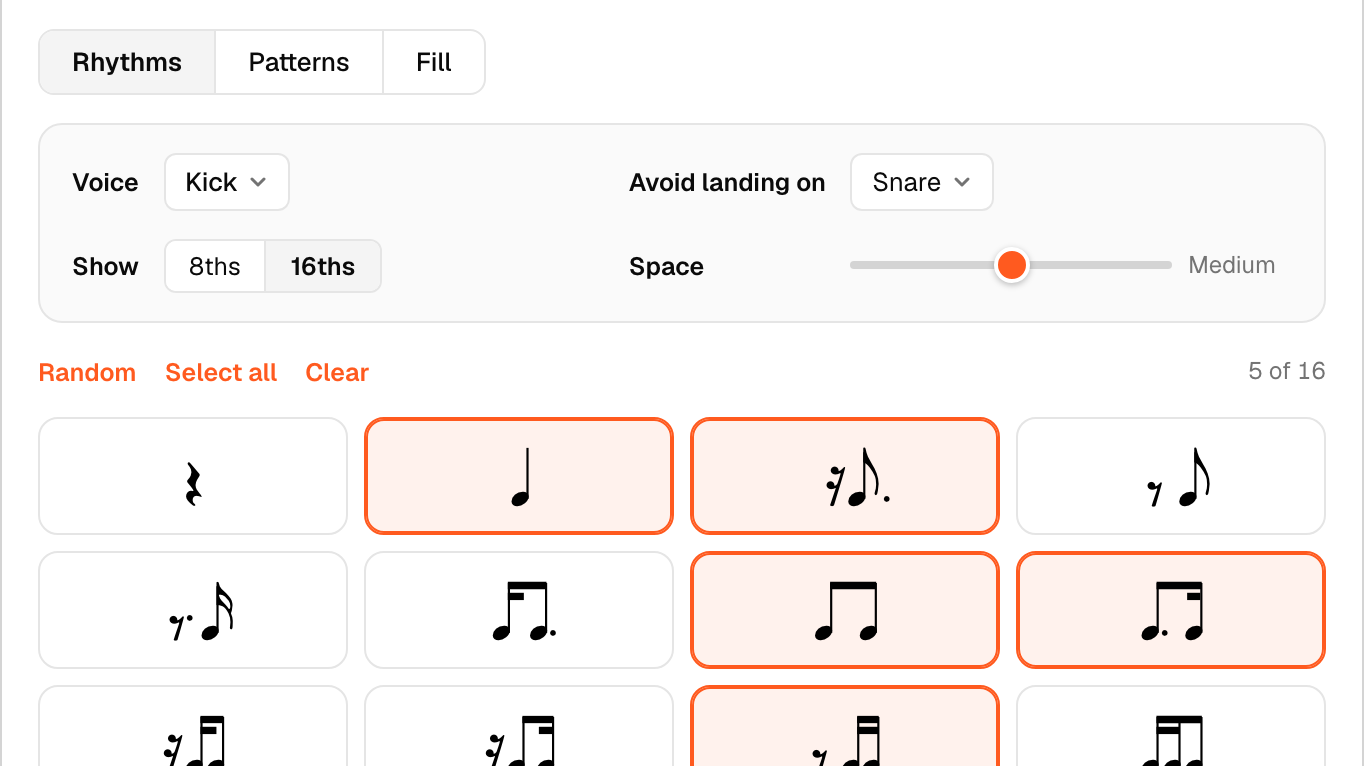
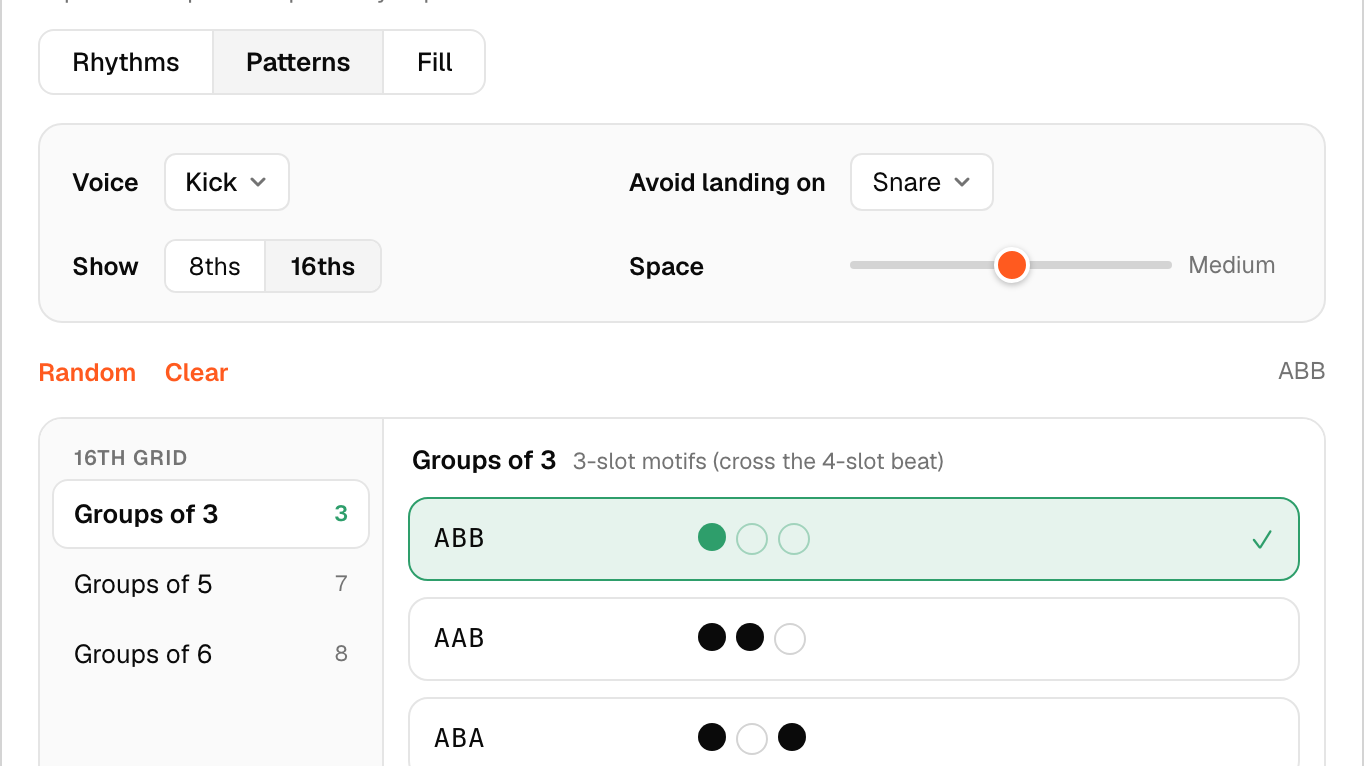
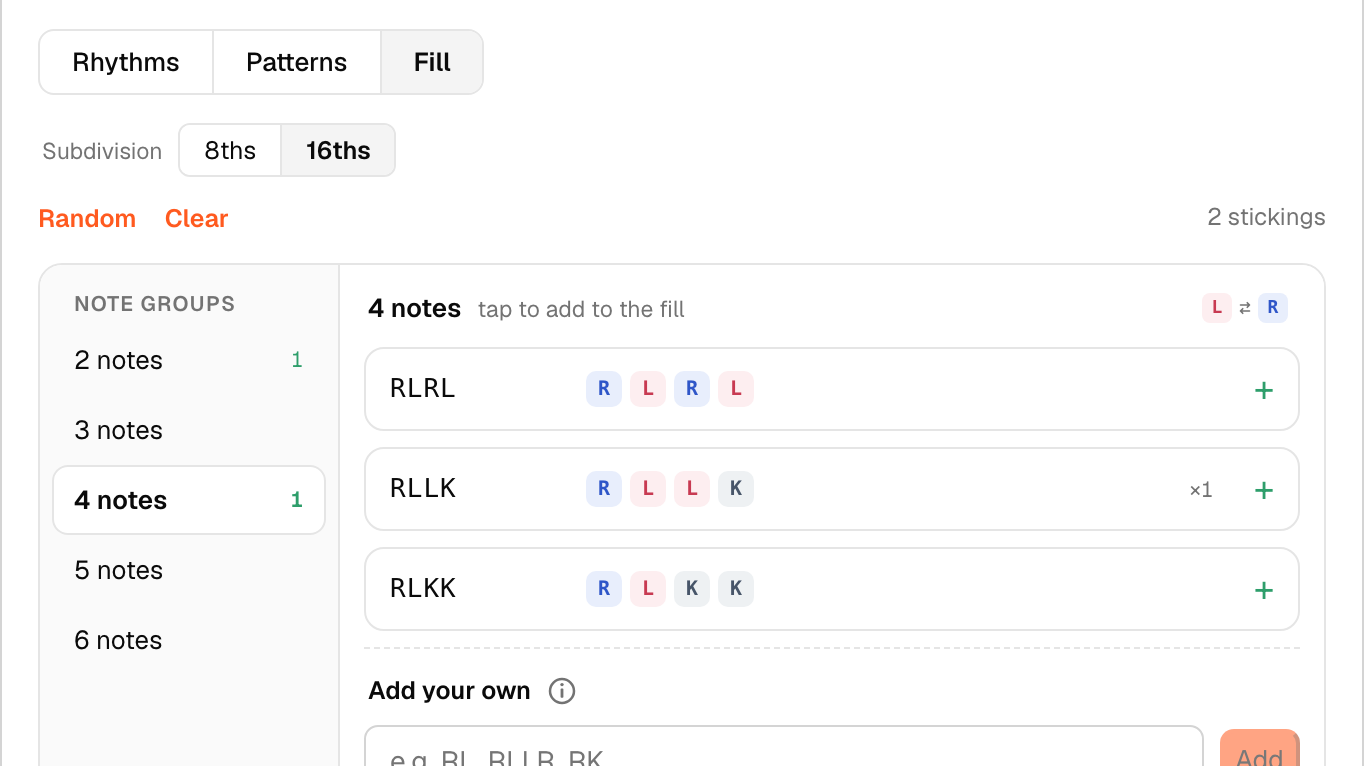
Build rhythms, patterns and fills from the ingredients and rules you pick. Great for teachers and students making practice material around a theme.
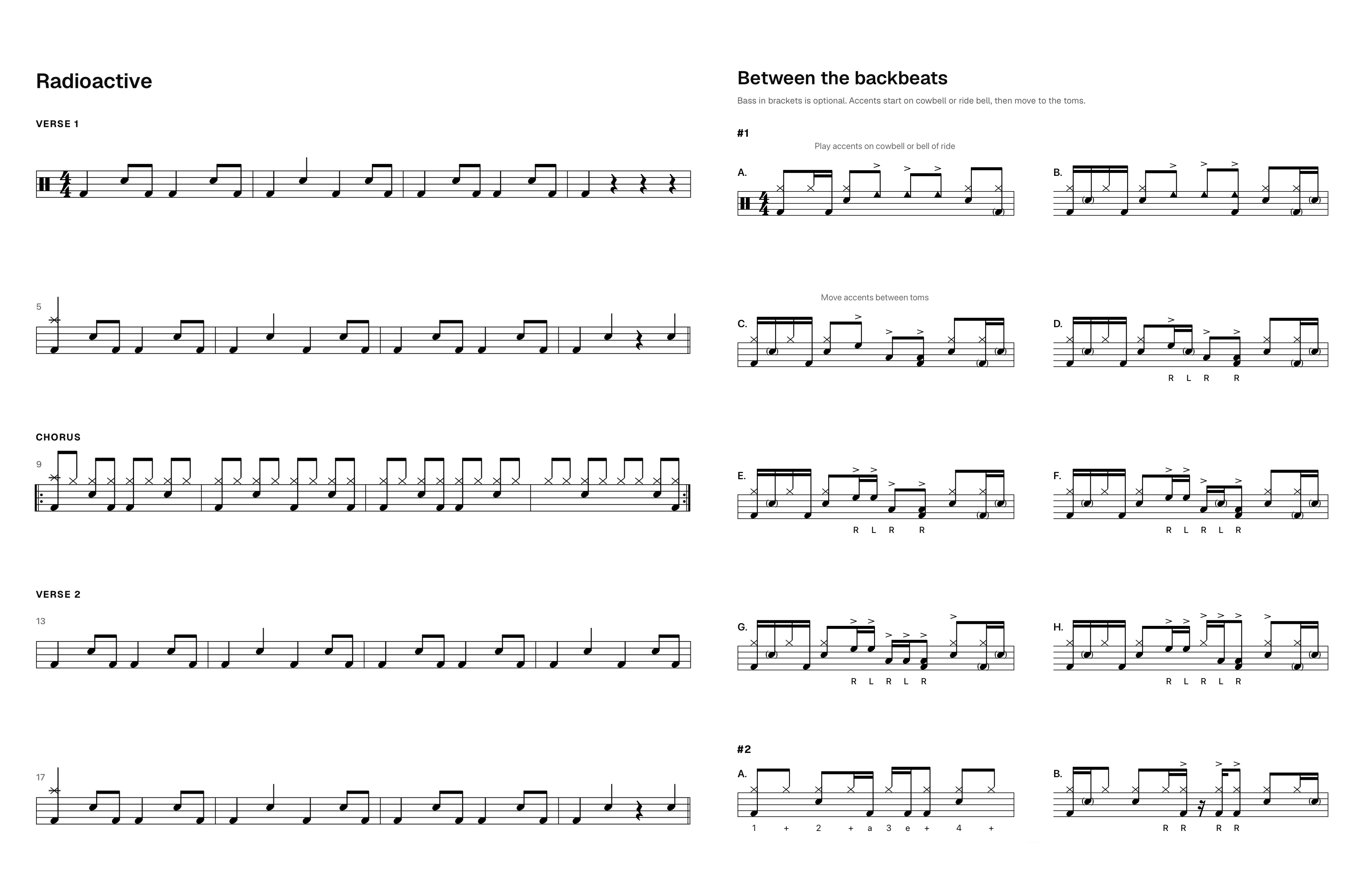
Build the chart once, then choose how it’s read: a worksheet layout for practice, or a score layout for the full chart.
Tap out a beat, hear it played back, all in the browser.
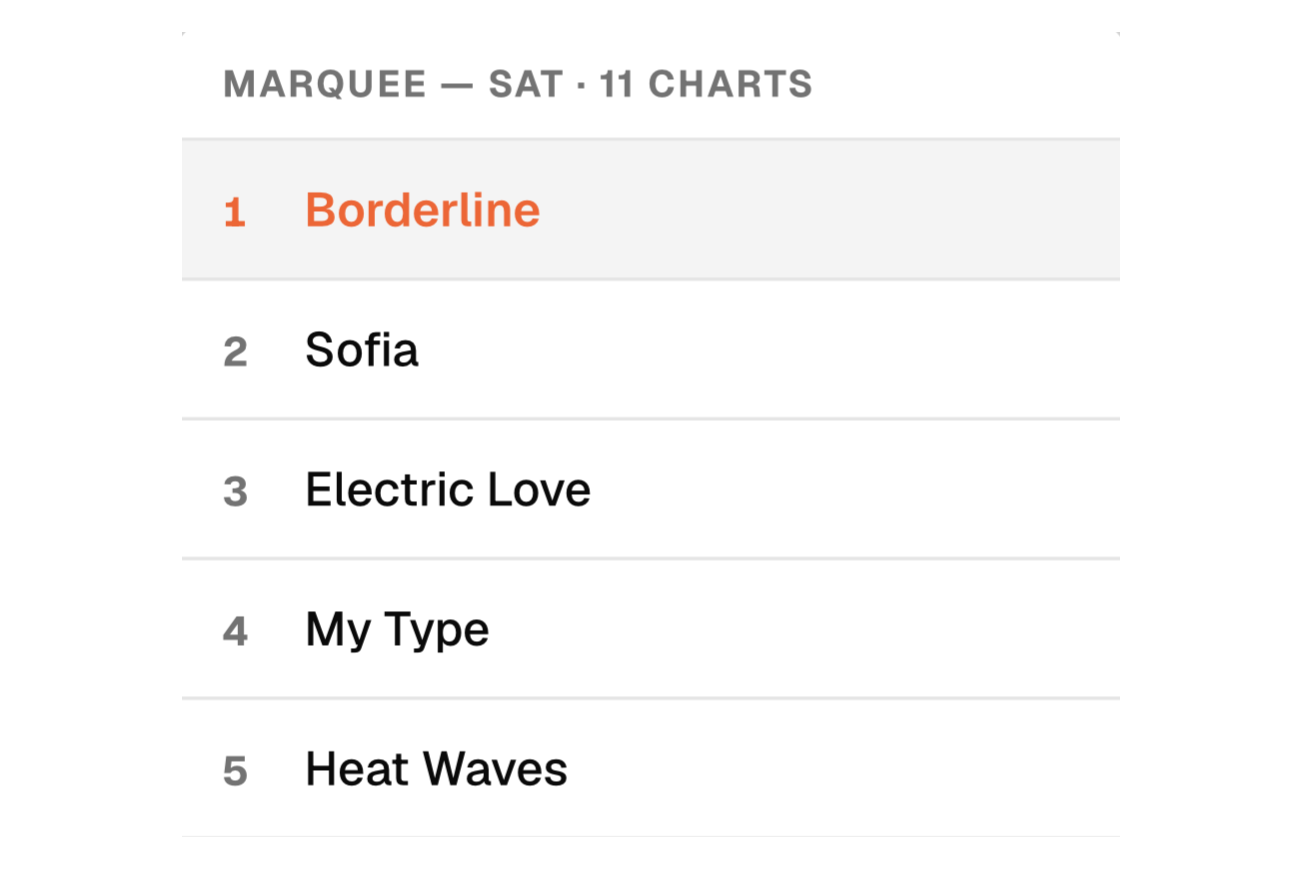
Create and arrange your charts into setlists. Setlist view brings up each chart in turn for easy live navigation.
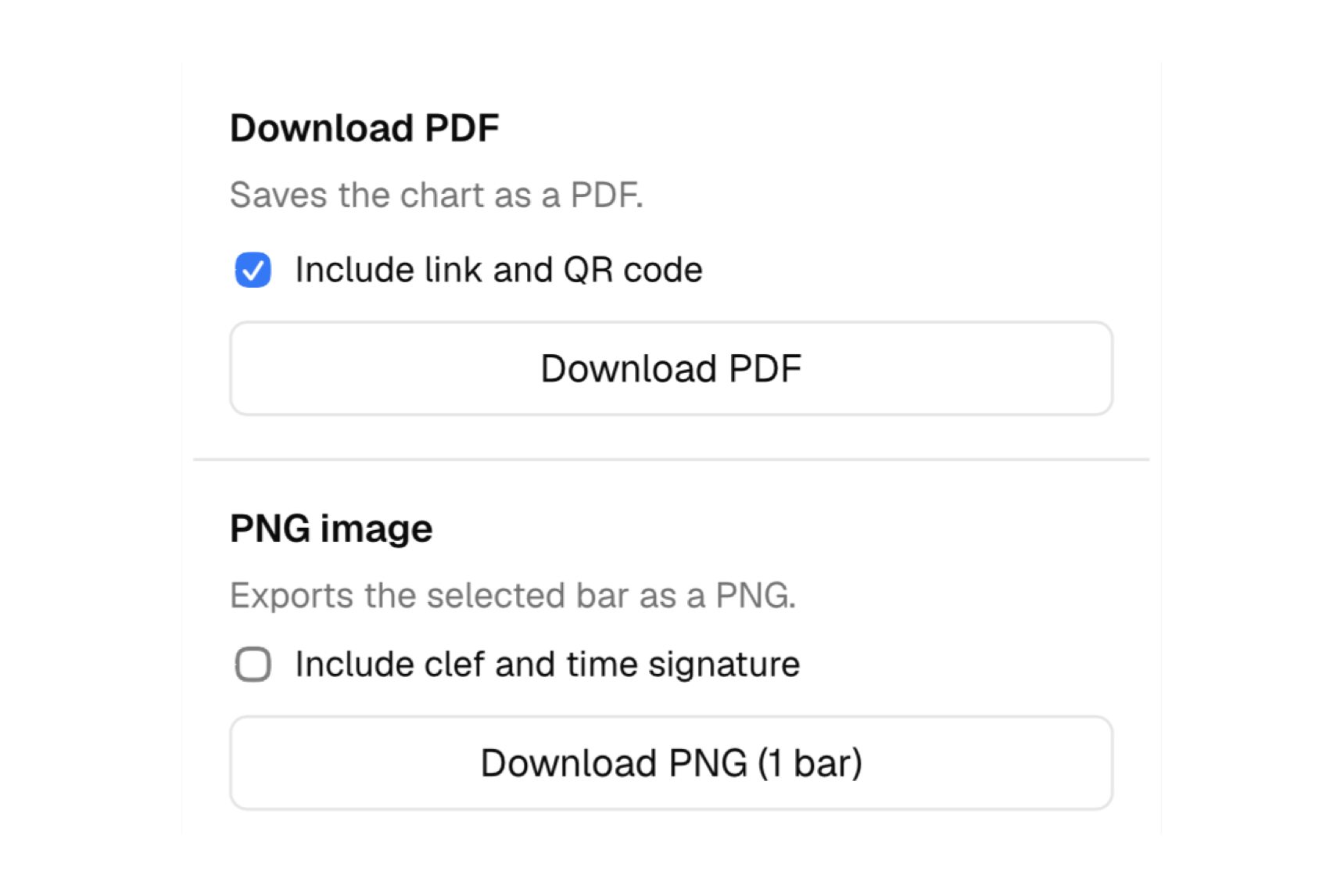
Export a whole chart as a print-ready PDF. PNG is free for everyone, and Pro drops the watermark.
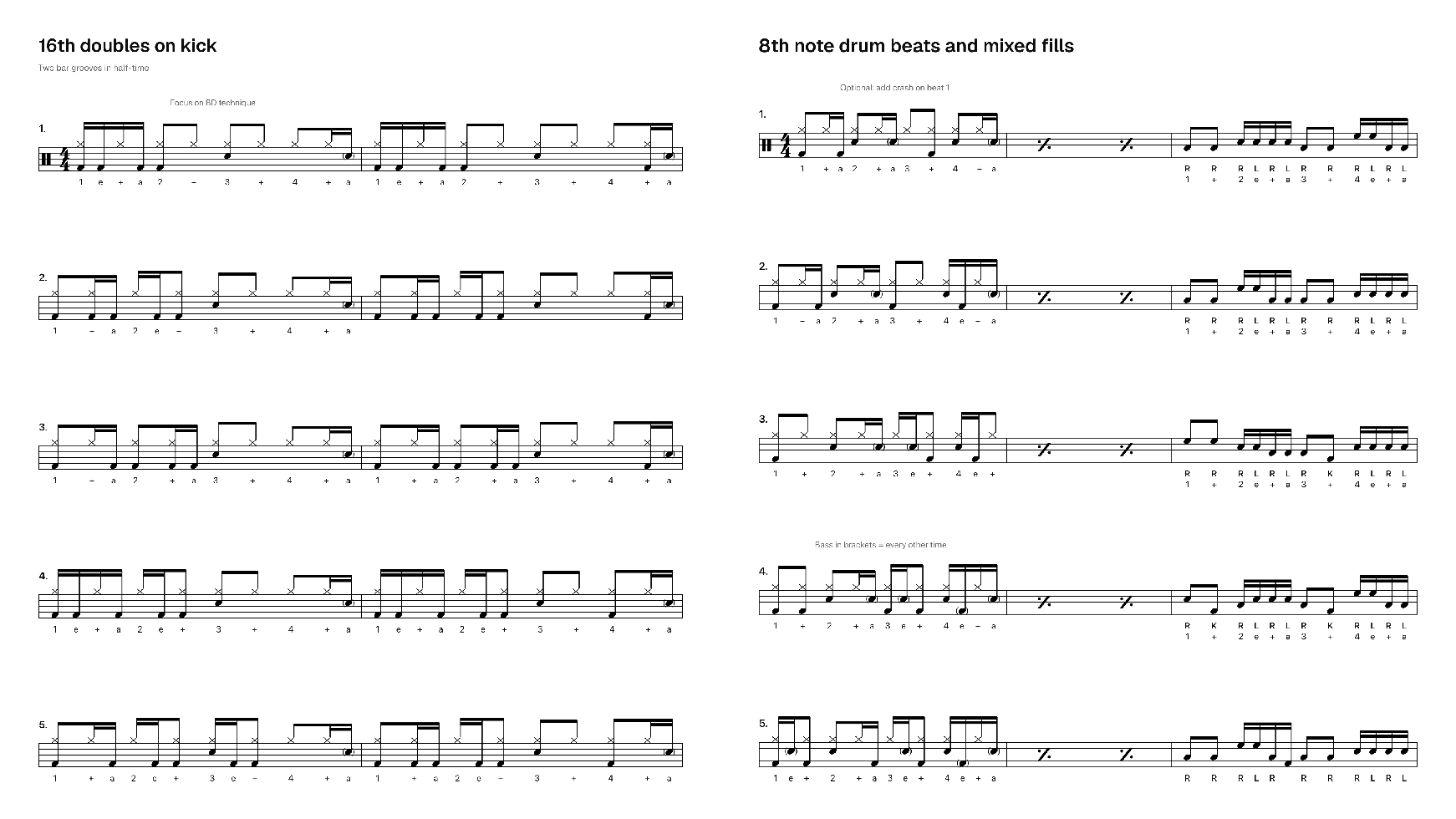
Write longer worksheet exercises of 2 and 4 bars.
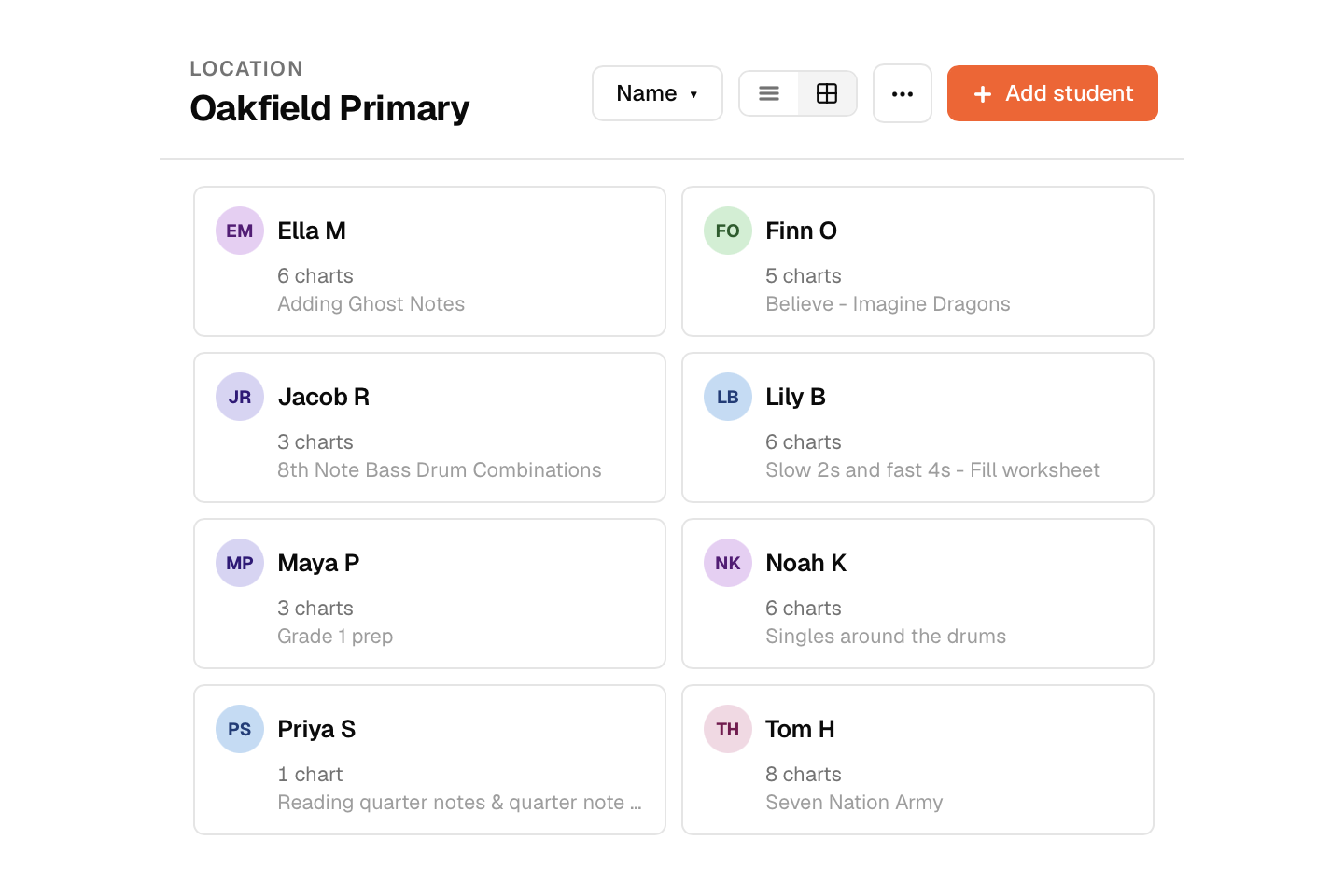
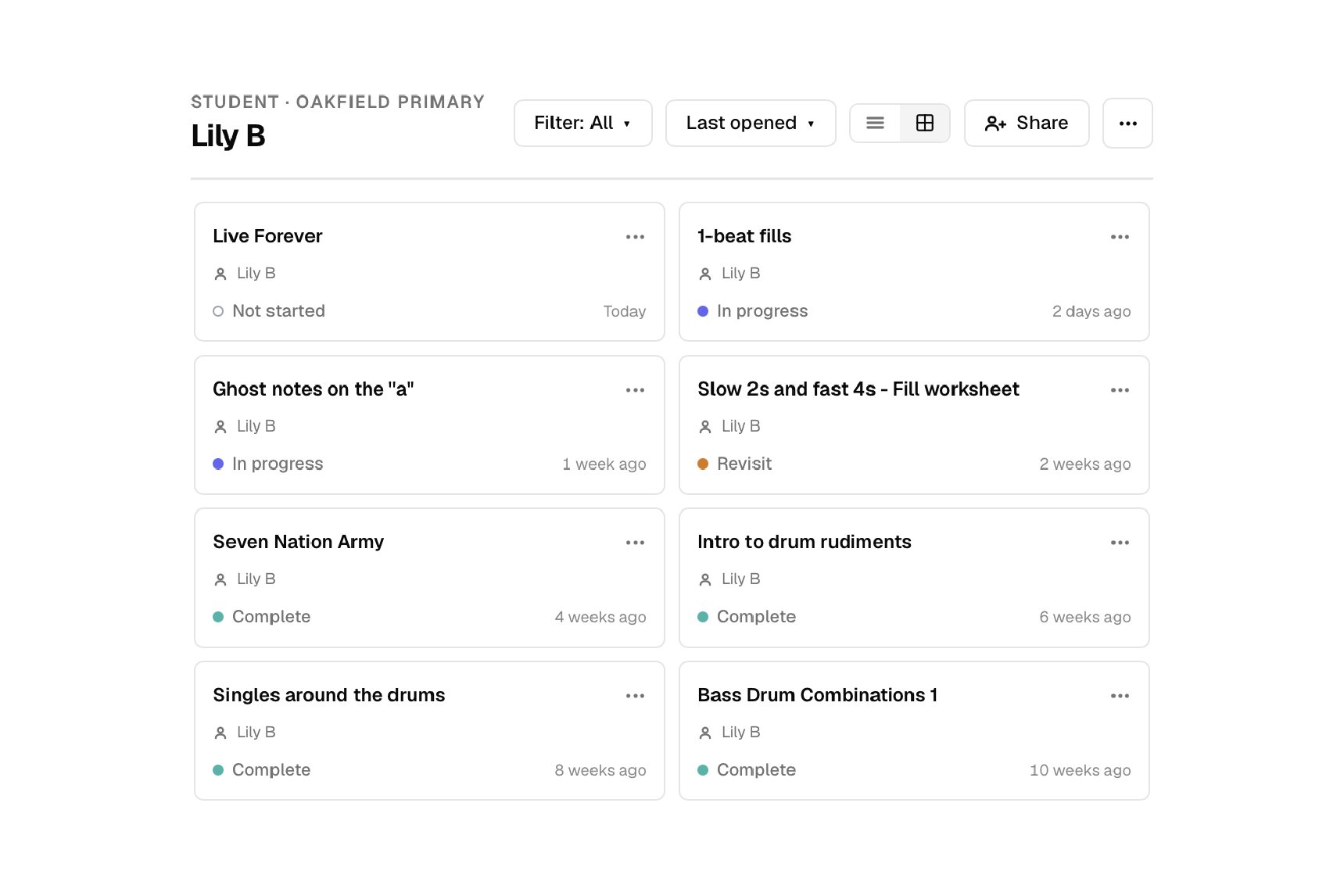
Each student’s worksheets in one place, grouped by where you teach them, with status tags showing their progress.
Grant each student read-only access to their folder. No more lost worksheets or excuses for not knowing what to practise.
Every plan includes the full editor. The more you teach and play, the harder Beam works for you.
For everyone. The full editor, free.
For gigging drummers and serious students.
For drum teachers and their students.